
A month of posts, in one go.
Add a folder of photos and videos, paste your captions from a sheet, and check everything on one screen. Nothing is made until you say so.
Free plan. No card needed.
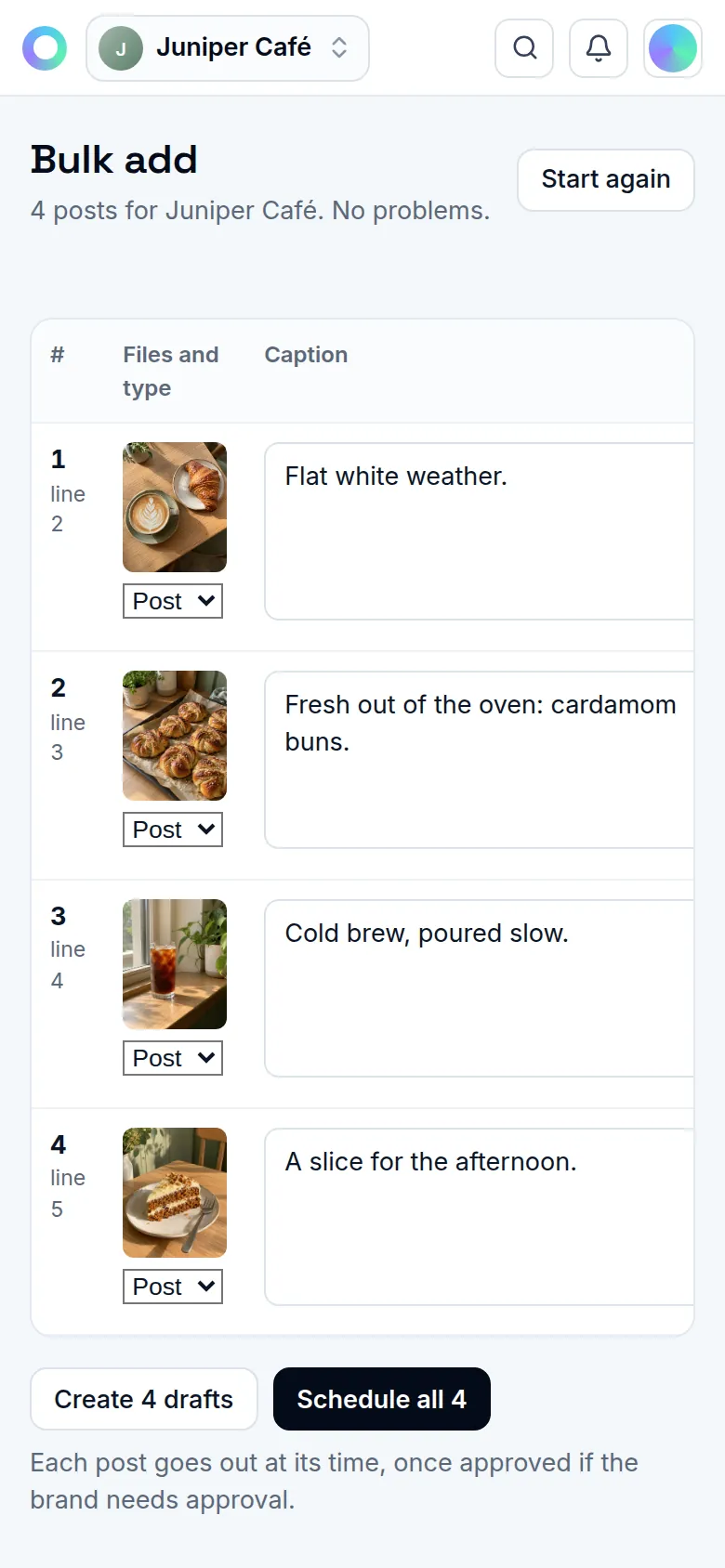
How bulk add works
- 01
Add your files
Drop a folder or pick files. Numbered names or a subfolder become a carousel.
- 02
Paste your sheet
Paste rows from Google Sheets or Excel, or open a CSV. Every column is optional, and each row is matched to its files by name.
- 03
Check one screen
Every post on one grid, with each problem marked on its cell. Missing captions are written in your brand's voice and marked Check it.
- 04
Schedule or save
Press Schedule all, or Create drafts to finish them later.
Less copying, fewer mistakes
Times picked for you
Your open queue times first, then your best hours. Posts are never within two hours of each other, and the sheet's order is the posting order.
Evergreen posts
Mark a post evergreen and it comes back on a cycle you set, from every 7 to every 365 days. It's off until you turn it on.
Where it works
Instagram today. More networks are on the way.
- InstagramLive
- Facebook PagesAwaiting approval
- LinkedInAwaiting approval
- XComing
- ThreadsAwaiting approval
- PinterestAwaiting approval
- BlueskyComing
- MastodonComing
- Telegram channelsComing
- Discord channelsComing
- YouTubeAwaiting approval
- TikTokAwaiting approval
- Google Business ProfileAwaiting approval
- WhatsAppAwaiting approval
Questions
What goes in the sheet?
Whatever you have: caption, file name, date, time, account, type or labels. Every column is optional, and we guess which is which.
Does anything post before I check it?
No. Nothing is made until you press Schedule all or Create drafts.
How are posting times picked?
A time in the sheet stays. The rest go to your open queue times, then your best hours by past results, never within two hours of another post.
What is evergreen recycling?
Posts you mark evergreen come back as new drafts or scheduled posts on a cycle you set, and a post never comes back too soon after its last outing.
Related
Start on the Free plan.
Every feature on this site, with fair limits. No card needed.
Free plan. No card needed.