Run your business. Plan the posts ahead.
Put next week's Instagram posts on the calendar while you have a moment. They go out at the time you choose, and the replies and results are here when you get back.
Free plan. No card needed.
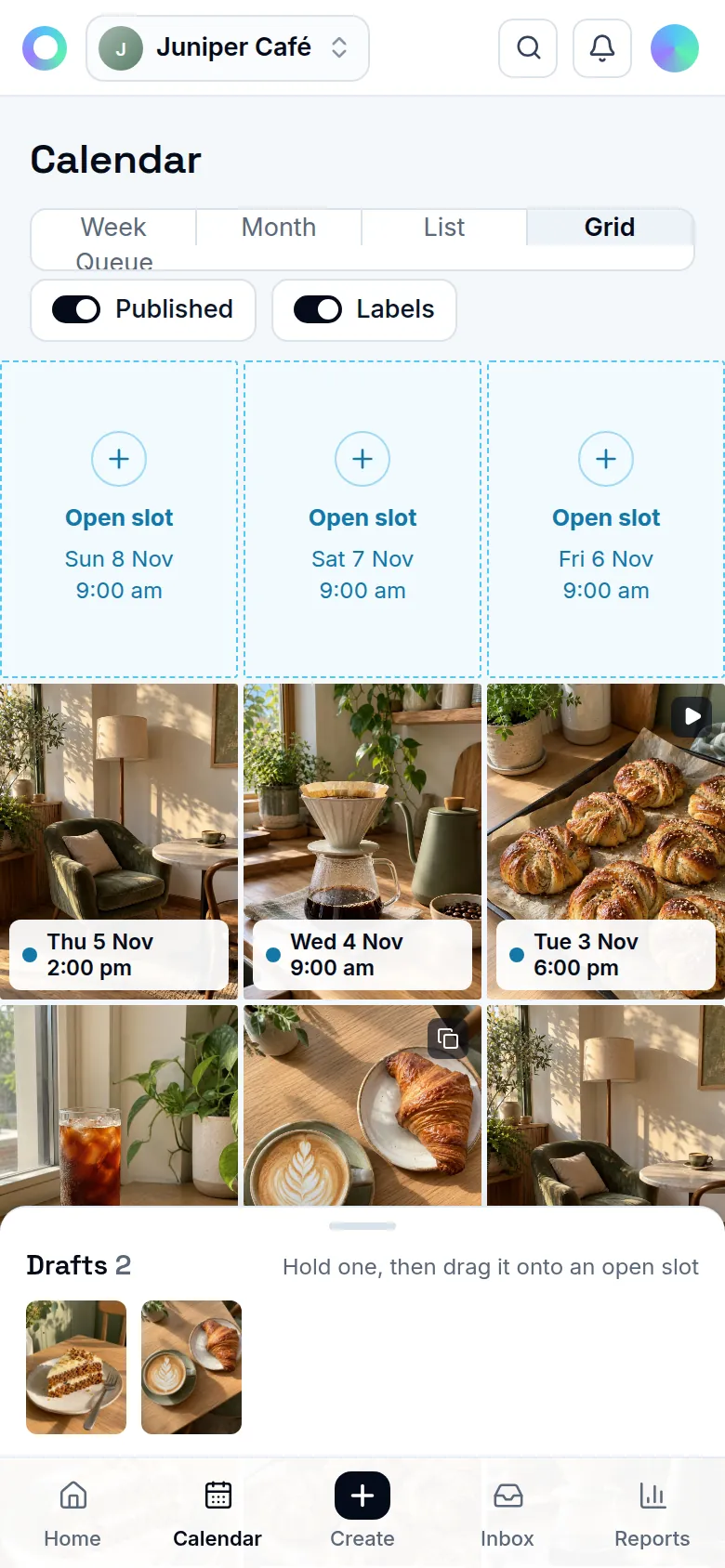
A week of posts, planned ahead
- 01
Bring your photos
Upload from your phone or computer. Trim a clip, pick a Reel cover or crop a photo in the media library.
- 02
Write and check
Write the caption yourself or ask for a draft in your brand's voice. Preview the post before you schedule it.
- 03
Pick your times
Schedule a date or add the post to your weekly queue. Best-time suggestions use your audience and past results when there is enough data.
Keep the questions in one place
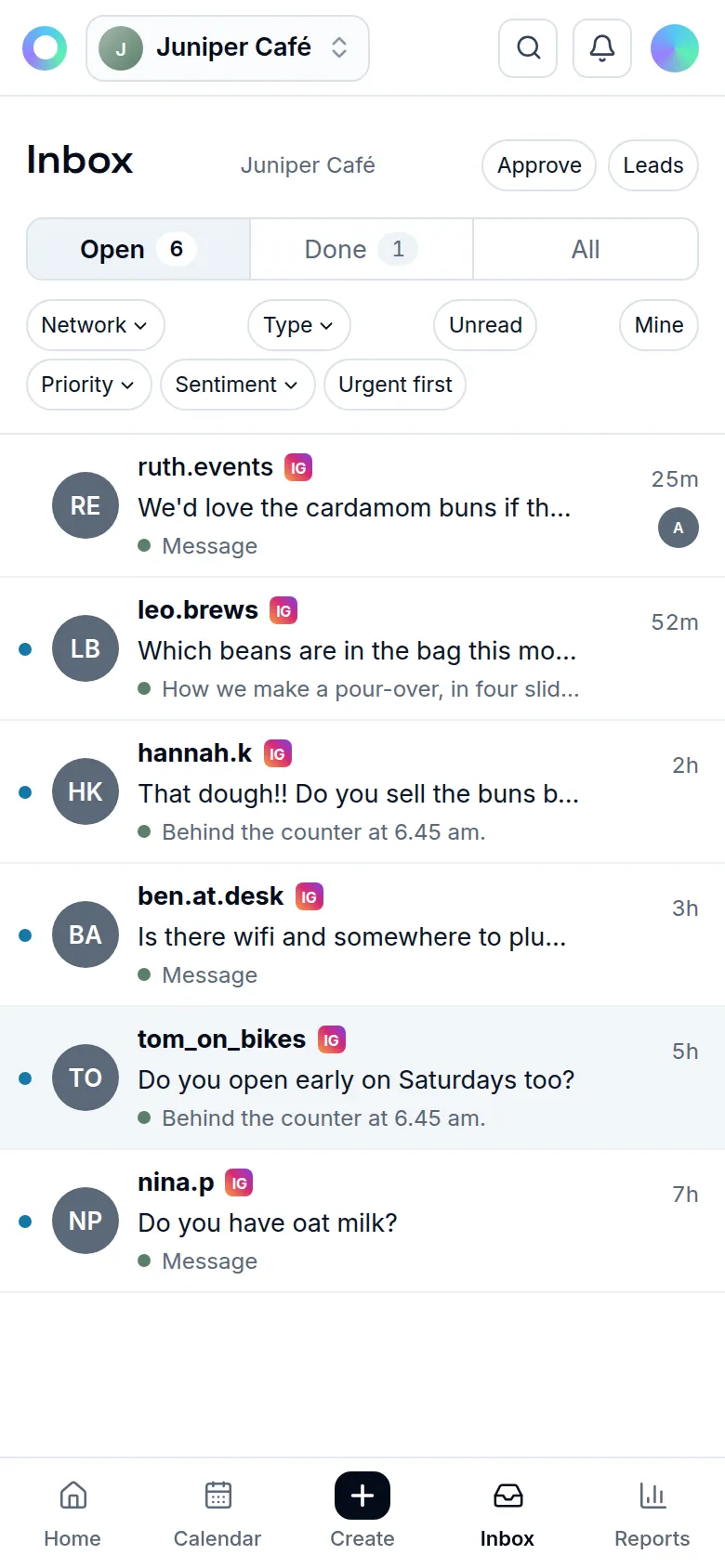
Comments and DMs arrive in one inbox. Read the whole conversation, use a suggested reply when it helps and check it before sending.
Tools for the work you already do
Keep useful posts handy
Save captions and hashtag sets, bulk add posts from a sheet and reuse evergreen posts on a cycle you choose.
See what people respond to
Check reach, followers and engagement. Label a launch or an offer as a campaign to see its results together.
Take it with you
Install the app from your phone's browser and choose notifications for messages, approvals and posts that need you.
Questions from small businesses
Do I need a professional Instagram account?
Yes, a Business or Creator account. Instagram does not let apps publish to personal accounts.
Will it publish without me opening the app?
Scheduled Feed posts, carousels, Reels and Stories publish at the time you choose. For songs from Instagram's library and other app-only extras, use a reminder and finish the post in Instagram.
What does it cost?
The Free plan costs nothing, with limits on brands, AI, Reels and storage. Paid plans with higher limits are coming.
Related
Start on the Free plan.
Every feature on this site, with fair limits. No card needed.
Free plan. No card needed.